Network Infrastructure Monitoring
Network Infrastructure Monitoring
After deploying the network infrastructure and activating VPC Flow Logs, we’ll start monitoring the infrastructure.
Access to AWS CloudWatch
- Select Log Management
- Select VPCFlowLogGroup
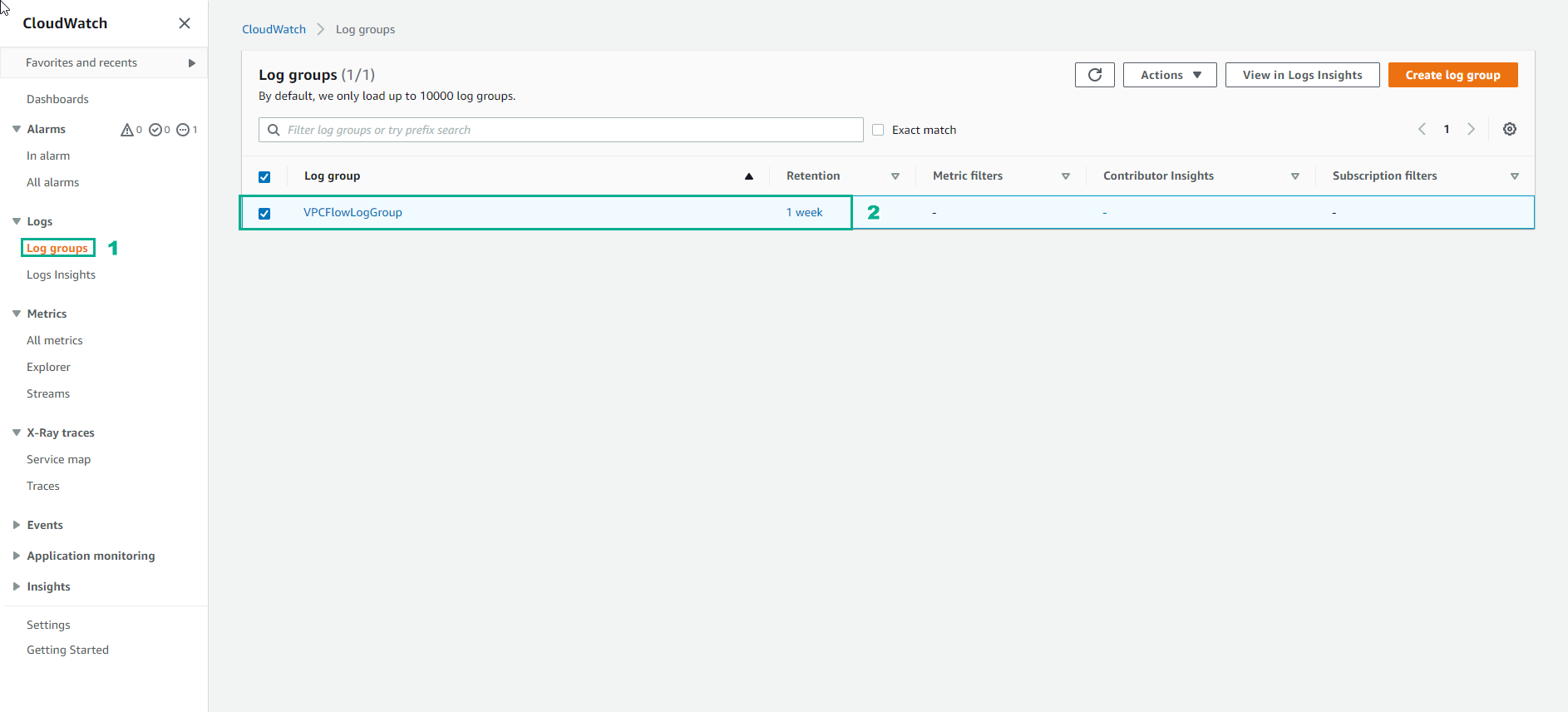
In the VPCFlowLogGroup interface
- Select Log streams
- We will see a log stream created about ENI
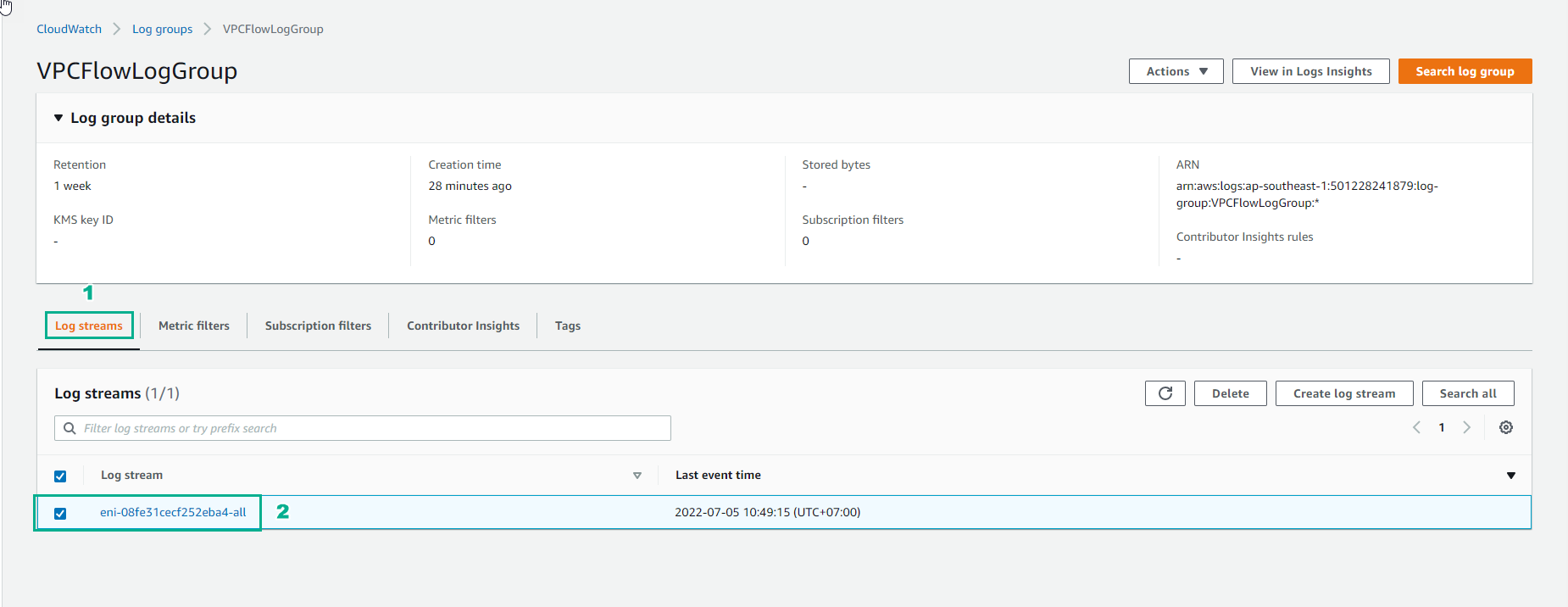
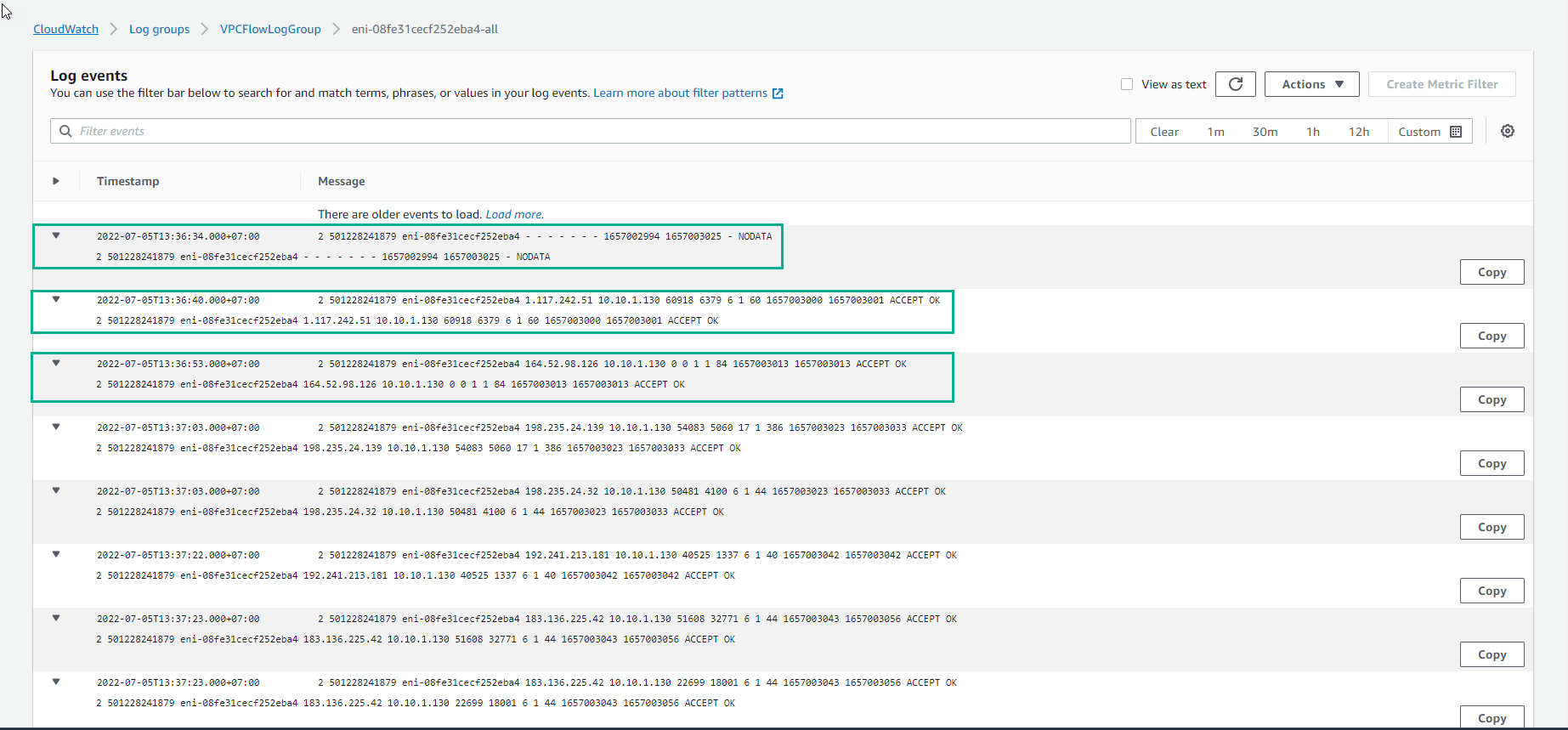
Access the log stream to view the details of Log events.
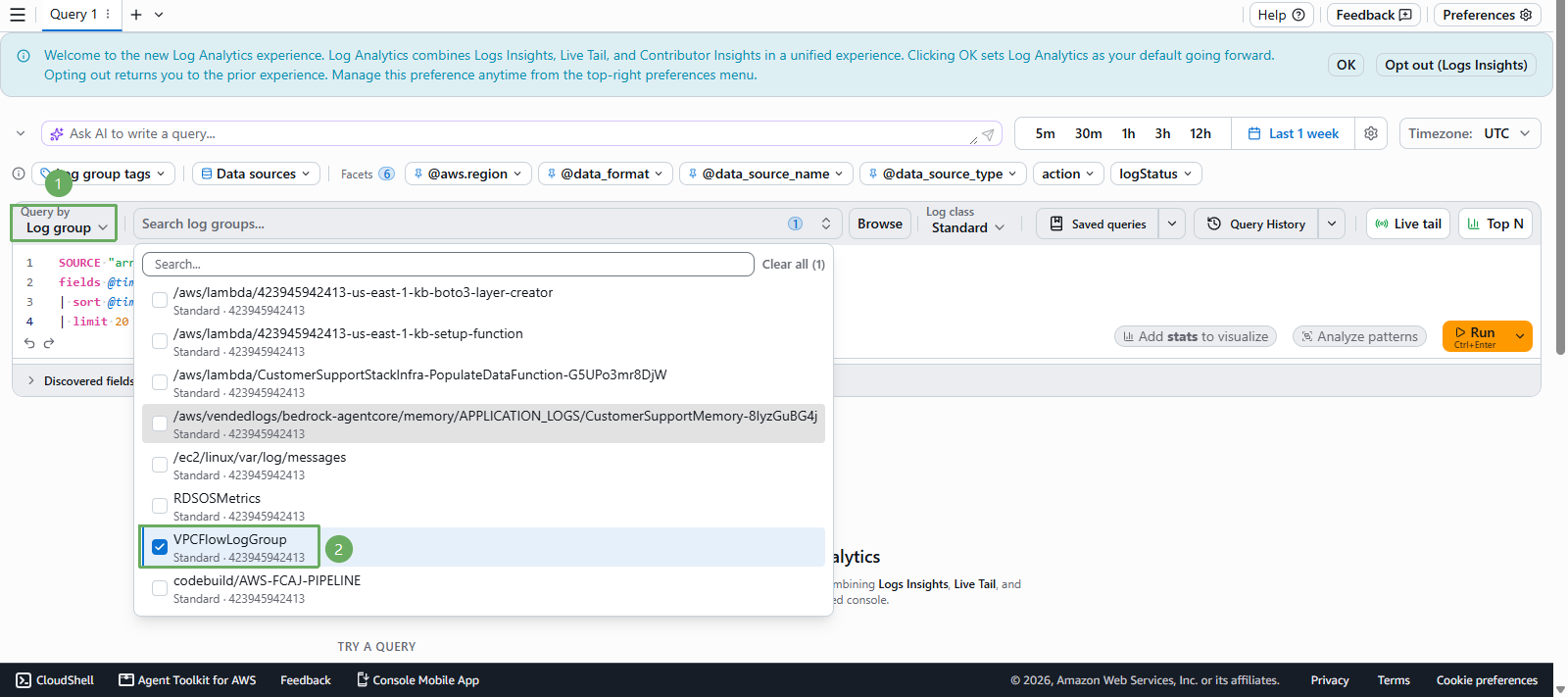
Return to CloudWatch interface
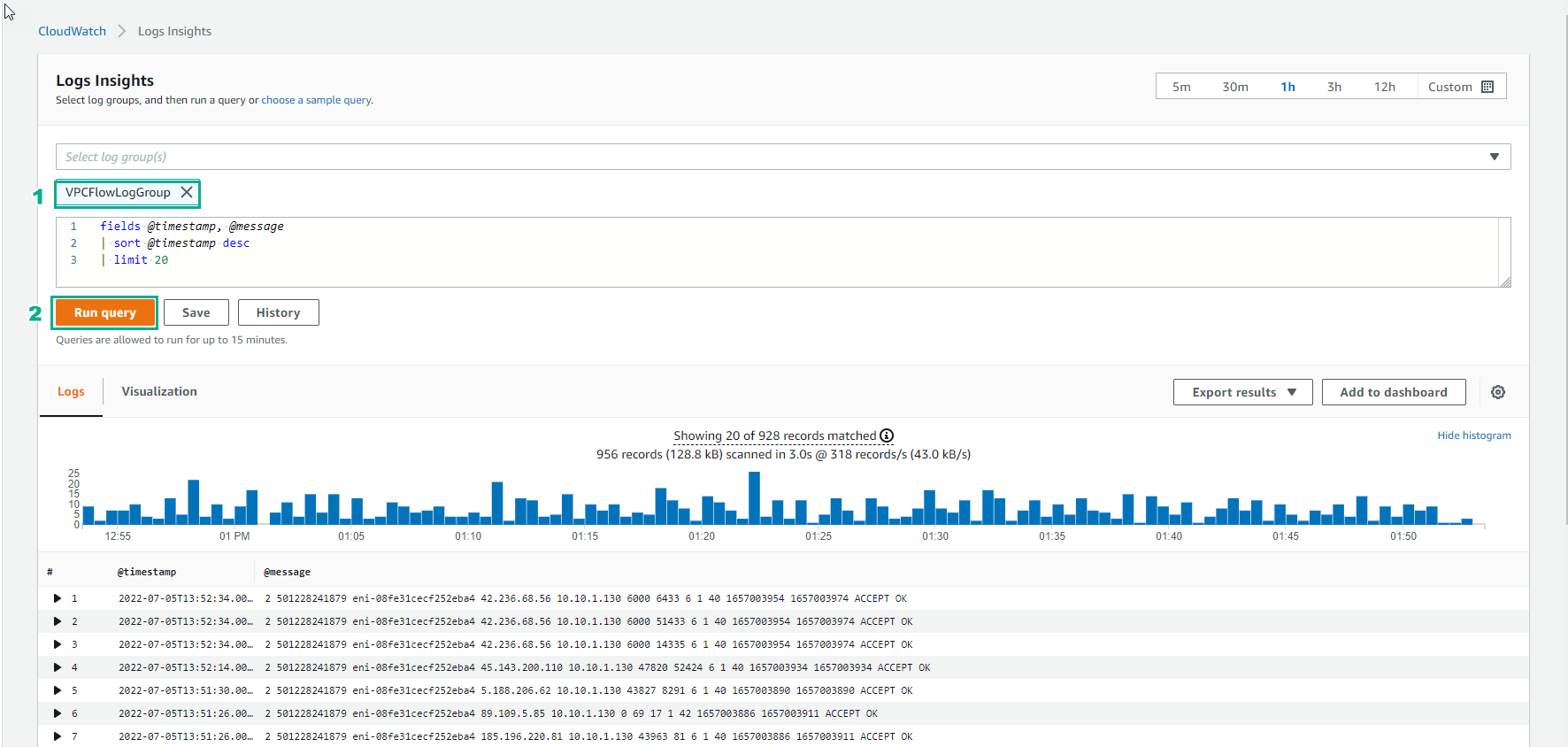
- Select Log Analytics
- Select Log group and VPCFlowLogGroup
- Execute Run query
- Then observe the log
So we have set up basic network infrastructure monitoring. This lab is intended to help you better understand the features of VPC Flow Logs.